Save from 100+ sites. Delete 12 utility apps.
Keep one Shortcut. Free forever.
Save videos from YouTube, Instagram, TikTok and 100+ more sites. Convert photos, audio and PDFs right on your iPhone. One Apple Shortcut. Free forever. No app, no account.
Add Grabio once → share a link from Instagram, TikTok or YouTube, or any file from Photos, Files, Mail or WhatsApp → tap Share → Grabio. Done.
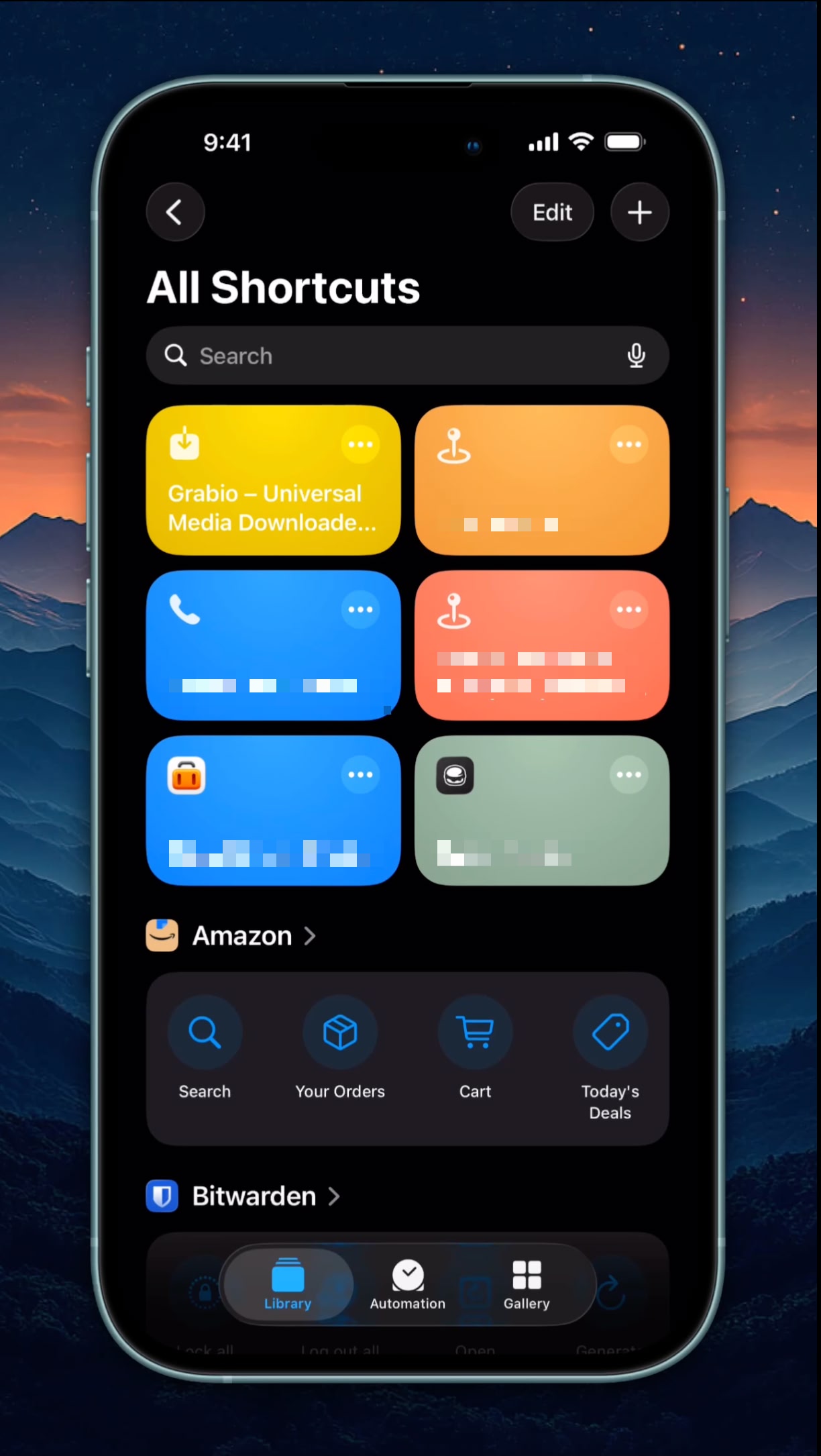
Today you're juggling 10+ apps. Juggling 10+ apps and sketchy sites. Tomorrow it's one Shortcut.
Most iPhone users keep a small zoo of apps for daily file work - one for PDF, one for HEIC, one for background remove, one for ringtones, one for QR. Then, every time you want to save a video off Instagram, TikTok or YouTube, it is another round of sketchy downloader sites, pop-ups and fake buttons. Add it up and the bill - in money, storage and patience - is real.
The Old Way
10+ apps cluttering your phone
- Photoroom for background remove ($13/month)
- Smallpdf for PDF tools ($9/month)
- CamScanner for document scan ($7/month) + ads
- InstaSize for social resize ($5/month) + a different site for every platform you download from
- HEIC converter app, ringtone maker, QR maker, EXIF stripper, image compressor
- Sketchy video-downloader sites for every reel you want to save - pop-ups, fake buttons, watermarks
- Every app sees your files, your data, your habits
≈ $13/mo of apps · 10+ icons · sketchy sites · constant friction
One Apple Shortcut
Social downloader + 15 file tools. Lives in your share sheet.
- Save videos from 100+ social platforms - YouTube, Instagram, TikTok, Facebook, X, Reddit and more
- Free forever. All 15 file tools too. No daily cap, no account.
- Share a link or a file, pick the action. 3 taps total.
- Result lands in Camera Roll or Files automatically
- On-device conversions never leave your iPhone
- No ads. No tracking. No signup. No email.
- Delete 10+ utility apps and stop hunting for a safe downloader site.
Free · 1 Shortcut · 100+ platforms · replaces ~$47 a month of apps
Think of it as a tiny app - except Apple already installed the engine on your iPhone.
Built into iOS
Every iPhone since iOS 16 has the Shortcuts app pre-installed (the dark icon with two arrows). It's Apple's official scripting framework - same thing Siri uses behind the scenes.
You install it once
Tap our install link → iOS pops "Add Shortcut?" → tap Add. That's it. No App Store review, no 100 MB download, no permissions to manage.
Lives in the share sheet
Open any app - Safari, WhatsApp, Photos, Mail. Tap Share. Scroll the bottom row. Grabio is right there next to Copy and AirDrop. You never leave the app you're in.
Updates over the air
When new platforms or features ship, the Shortcut tells you and links the update. No App Store wait, no manual reinstall, no broken old version sitting on your phone.
Grabio uses what Apple already built into your iPhone - not a separate app to install.
Smaller download, no permission prompts, nothing leaves your phone unless you tap Share.
Three steps. Then forget it exists.
No tutorial. No setup. No account. You'll save your first video - or fix your first file - in under 30 seconds.
Add Grabio
Tap the button above on iPhone Safari. Apple installs the shortcut for you.
Share to Grabio
Share a link from Instagram, TikTok or YouTube - or any photo, video, audio or PDF on your iPhone. Tap Share → Grabio.
Pick what you want
Links open a clean download page. Files get a menu - compress, convert, ringtone, remove background. Done in seconds.
Social downloads + 15 file tools.
One Shortcut. Always free.
Download from 100+ social platforms · HEIC → JPG · compress, resize and crop photos · remove backgrounds · strip location data · photo → PDF · Live Photo → GIF · extract audio · make QR codes. All in your share sheet - no app to install, no login, no limits.
Social Media Downloader
Share a link from any app - Grabio copies the link and opens a clean, ad-free downloader. 100+ platforms supported - just tap Paste, then download.
YouTube
Videos and audio from any public link. Pick quality, save straight to your phone.
Reels, posts and stories. No watermark, no login, no app.
TikTok
Clean downloads without the watermark burned into the video.
Public videos and reels saved in one tap from the share sheet.
X / Twitter
Videos and GIFs from any public post, full quality.
Videos with audio properly merged — not the silent mess you usually get.
Pins, idea pins and videos saved straight to Photos.
+ 100 more
Snapchat, Vimeo, SoundCloud, Tumblr, Bluesky, Dailymotion, Twitch, VK, Bilibili and many more.
Photo tools - on your iPhone
Every one of these runs on your device using Apple's own tools. Nothing is uploaded for these, nothing is stored, and they work offline. Formats iOS cannot convert are handed to a named third party instead, listed in the privacy policy.
HEIC to JPG
So the friend on Android can actually open your photos.
Photo to PNG
Transparent-friendly PNG when you need it, one tap.
Compress photo
Shrink a heavy photo for WhatsApp, Gmail or an upload form.
Resize photo
Bring an oversized photo down to a sensible 1080px.
Make it square
Crop to a clean square for profile pics and marketplace listings.
Remove background
Cut the subject out and keep the transparent PNG. No subscription app needed.
Remove location (EXIF)
Strip GPS and camera data before you send a photo to anyone.
Live Photo to GIF
A real GIF that plays in WhatsApp and Telegram, where Live Photos break.
Video tools - on your iPhone
Trim, compress and pull audio out of any video you've saved. On-device - nothing is uploaded.
Extract audio
Pull the audio out of a video - perfect for talks, lectures and music.
Compress video
Shrink a heavy clip to 720p so it actually sends on WhatsApp or email.
Trim video
Cut a clip down to just the part you want before you share it.
Video to GIF
Turn a short clip into a GIF that plays anywhere.
Convert format
MP4, MOV, WebM and more - opens VERT, the ad-free open-source converter.
Audio & music tools
Convert and repackage audio in a couple of taps.
Audio to M4A
Convert any audio to clean M4A, right on your device.
Audio to MP3
Get a universal MP3 that plays on everything - via VERT.
Convert audio
WAV, AAC, FLAC and more - VERT handles the rest, ad-free.
PDF tools
Make, shrink, split and merge PDFs - most of it right on your device.
Photo to PDF
Turn one photo - or several - into a single clean PDF.
Compress PDF
Shrink a heavy PDF to fit an upload limit - on your device.
PDF to images
Split a PDF into images, saved straight to Photos.
Merge PDFs
Combine several PDFs into one via PDF24 - no login, no watermark.
Convert PDF
PDF to Word and other formats via VERT.
QR codes & every other format
Make or read QR codes, and convert 250+ formats when iOS can't do it locally.
Make a QR code
Share any text or link and get a QR image back instantly - on-device.
Scan a QR from an image
Opens QRLynx, which decodes it in your browser - the image never leaves your device.
Convert 250+ formats
Anything else - VERT converts video, audio, images and documents, ad-free.